Instagram account setup: phones, SIMs and the two-week warm-up
Instagram is where your subscribers come from, and it is also where new agencies burn the most money: accounts banned before they post their tenth Reel. This chapter covers the hardware, the SIM cards and the warm-up routine that keep accounts alive.
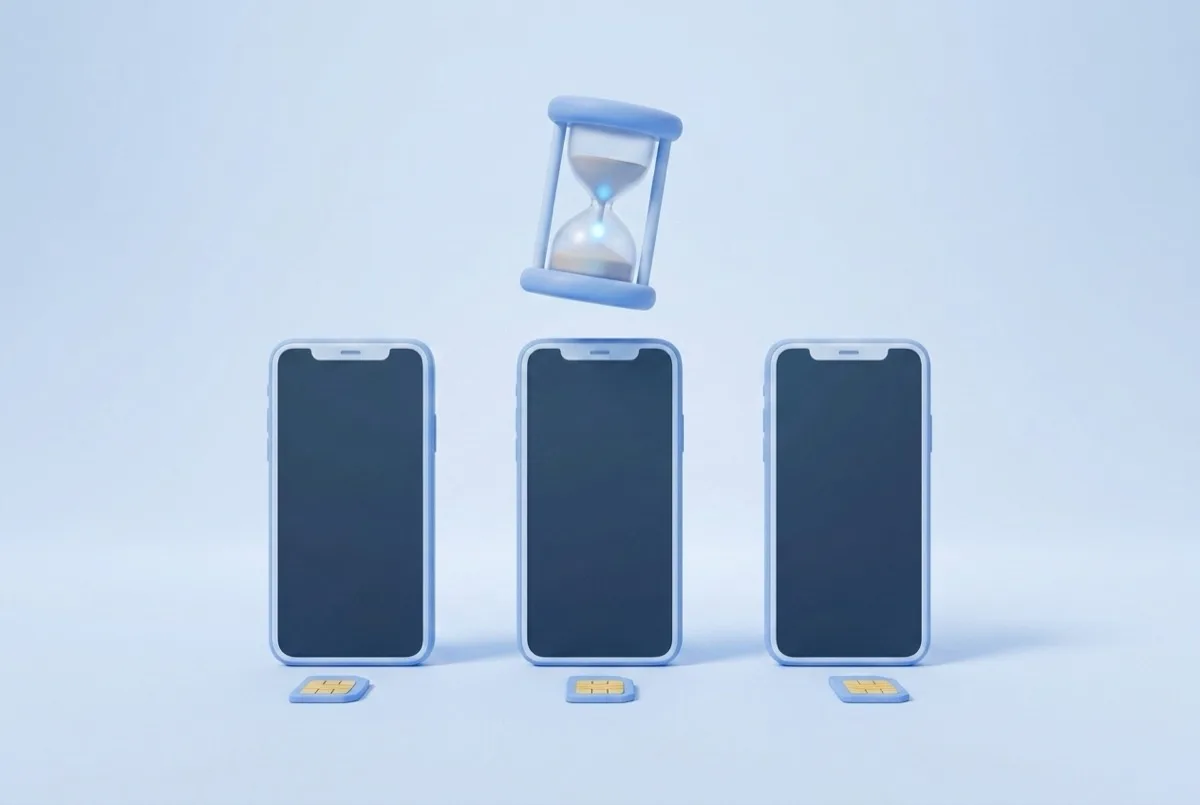
Instagram is where your subscribers come from, and setup is where new agencies burn the most accounts. Not content, not the link, not the algorithm. Setup. A bad first two weeks kills an account before it ever gets a fair shot, and every dead account is a phone, a SIM and two weeks of warm-up you have to redo. Get this chapter right and the rest of your Instagram work actually has something to stand on.
One account, one phone: the rule that saves the most money
The single most expensive mistake in this business is stacking accounts on one device. Practitioner sources converge hard here: three to four accounts per phone is the ceiling people cite, and in practice you should treat the ceiling as one. Instagram links accounts that share a device within hours through hardware fingerprinting, and once it decides two accounts are the same operator, a strike against one becomes a strike against all of them. A personal account has been reported banned for nothing more than sitting on a phone that also ran model accounts. If an account does go down, our Instagram unban guide walks through the recovery steps.
The hardware that survives (and the shortcuts that don't)
You do not need expensive phones. You need real ones. The whole game is looking like an ordinary human on an ordinary device, and the cheapest way to look like a real phone is to be a real phone. A used iPhone 11 is the reference device: common, trusted, and cheap on the second-hand market. What does not work is anything that tries to fake a device. Cloud phones, emulators and anti-detect browsers each mask a single signal, and Instagram checks several at once.
Set it up like this
- One real phone per account. A used iPhone 11 is the reference device: cheap, common, trusted.
- One real SIM per phone, from a real carrier.
- One IP per device: each phone on its own mobile data plan.
- A separate, plausible email per account.
Not like this
- Cloud phones or emulators. They mask one detection layer while the hardware fingerprint gives you away.
- Anti-detect browser setups sold as ban-proof. They address one layer, not the stack.
- VoIP numbers from an app. Carriers vs VoIP is something Instagram classifies, and VoIP is a documented flag at signup.
- The shared office Wi-Fi. Ten accounts behind one IP is a network, not ten people.
Why the shortcuts fail: detection is layered
Instagram does not look at one thing to decide if an account is trustworthy. It stacks signals: the hardware fingerprint of the device, the IP and the network it sits on (its ASN), the pattern of apps installed alongside Instagram, and whether the phone number classifies as a real carrier line or a VoIP number. A cloud phone can spoof a device model but still lives on a data-center IP. An anti-detect browser can rotate a fingerprint but cannot produce a carrier SIM. Every off-the-shelf shortcut solves one layer and leaves the others screaming. A real cheap phone with a real SIM on real mobile data solves all of them at once, which is why it stays the boring correct answer.
The two-week warm-up (do not skip a single day)
A brand-new account that starts posting and following aggressively looks exactly like a bot, because that is what bots do. The fix is to spend two weeks behaving like a bored human before you behave like a creator. Across multiple practitioner sources the consensus lands on a 10 to 14 day warm-up, and the same sources agree that skipping it is the single biggest reported cause of new-account bans. None of this is published by Meta; treat it as multi-source practitioner consensus, then follow it anyway, because the downside of ignoring it is a dead account. We keep a full day-by-day walkthrough in our Instagram warm-up guide.
Two weeks before your first real post
- Days 1-3
Just be a person
Open the app once or twice a day and use it like a human who is procrastinating. Scroll Reels 10 to 20 minutes a day inside your niche, watch some Stories, drop a few likes. No posting, no following sprees, no profile edits. You are teaching Instagram that a normal person holds this phone.
- Days 4-7
Light activity, finish the profile
Start following 5 to 10 accounts a day, all in-niche. Post your first Story. Complete the profile: photo, bio, name. Still no feed posts and still no Reels. The account should look lived-in and specific, not freshly minted an hour ago.
- Week 2
First feed posts, scale the follows
Now the account posts its first feed content and follows scale to 20 to 30 a day. Keep it steady, not spiky. No Reels yet in this first week of posting, and no external link at all. Link readiness is its own decision, covered in the traffic funnel chapter.
Profile setup: unique everything
Instagram clusters accounts that look alike. The moment two of your accounts share a bio, a profile photo or a suspiciously identical setup, they stop being two creators and become one detectable network. So every account gets its own everything, and nothing gets copied from one to the next.
Per-account launch checklist
- Unique profile photo, used on this account and nowhere else.
- Unique bio, written fresh for this account. Never reuse bio text across accounts.
- 18+ designation applied where the account and content call for it.
- No trigger words and no adult emojis in the bio (a documented flag per the getallmylinks ban breakdown).
- Real carrier SIM confirmed active, one per phone.
- Account on its own mobile data, not shared Wi-Fi.
- Two-week warm-up completed before the first feed post.
- No external link anywhere on the profile yet.
Why Instagram bans OnlyFans-adjacent accounts
If you understand what Instagram is actually policing, most of the rules above stop feeling arbitrary. Meta's Community Standards on Adult Nudity and Sexual Activity prohibit nudity including implied nudity, and the Adult Sexual Solicitation policy prohibits offering sexual services including implicit solicitation. Instagram's own Community Guidelines say the same in plainer language. So the content bar is stricter than most people assume: it is not just no explicit imagery, it is no implied nudity and no implied solicitation either.
On top of the content rules sit the behavioral triggers. Duplicate content and duplicate bios across accounts read as coordinated inauthentic behavior, which is a category Meta actively removes. User reports feed the system directly and are one of the strongest signals against an account. And bursts of profile changes on a young account, several edits inside a week, look like someone scrambling to dodge enforcement. The getallmylinks ban breakdown lays out this same cluster of triggers from the practitioner side, and it lines up with what Meta publishes. For the full checklist, see our guide on avoiding Instagram bans as an OnlyFans creator.
Scaling: one phone per account, costed out
Because the rule is one account per phone, scaling reach means scaling hardware. This is a real line item, not an afterthought, and it is better to see the number before you commit than to discover it after you have signed three creators. The math is simple: accounts equal phones equal SIMs equal data plans.
| Setup | Accounts | Phones | SIMs | Data plans | Rough monthly cost |
|---|---|---|---|---|---|
| 1 creator, 1 account | 1 | 1 | 1 | 1 | $15-25 |
| 1 creator, 3 accounts | 3 | 3 | 3 | 3 | $45-75 |
| 3 creators, 2 accounts each | 6 | 6 | 6 | 6 | $90-150 |
| 5 creators, 3 accounts each | 15 | 15 | 15 | 15 | $225-375 |
The point of the table is not the exact dollar figure, which depends on your carrier and how cheaply you source used phones. The point is that reach scales linearly with hardware, so plan for it. How many accounts each creator actually needs, and how you feed them all unique content without tripping duplicate detection, is the subject of the content strategy chapter.
Frequently asked questions
How many Instagram accounts can I run on one phone?
One. Practitioner sources cite three to four as a technical ceiling, but the safe answer for an agency is a single account per phone. Every account that shares a device shares a hardware fingerprint, so Instagram correlates them within hours and bans tend to hit the whole cluster at once. The hardware cost of one phone per account is far cheaper than losing a warmed-up account.
How long should I warm up a new Instagram account?
Two weeks. Days 1 to 3 are pure browsing, days 4 to 7 add light follows and your first Story with the profile completed, and week two brings the first feed posts with follows scaling to 20 to 30 a day. This 10 to 14 day window is multi-source practitioner consensus, not a Meta-published rule, and skipping it is the most commonly reported cause of new-account bans.
Do cloud phones work for Instagram accounts?
No. Cloud phones and emulators mask one detection layer while leaving the rest exposed. Instagram checks the hardware fingerprint, the IP and network, the app-install pattern and whether the phone number is a real carrier line, all at once. Anti-detect setups solve one of those at best. A cheap real phone with a real SIM solves all of them, which is why it stays the correct answer.
Does the SIM card affect my reach?
No. The SIM has zero effect on your audience, your views or your reach. It only matters at signup, where a real carrier number reads as a real person and a VoIP number reads as a flag. Buy the cheapest real carrier SIM and stop optimizing it.
Can I use an old iPhone for model accounts?
Yes, and you should. A used iPhone 11 is the reference device precisely because it is cheap, common and trusted by Instagram as an ordinary consumer phone. You are not buying performance, you are buying the appearance of a normal human on a normal device, and a real used phone delivers that better than any spoofing tool.